We’re giving the Kabayan Remit mobile app a brand-new look to make your experience better than ever! Soon you’ll be experiencing a smoother, faster, and more secure remittance journey while still enjoying the trusted service you know and love.
Table of Contents
What’s new?
We listened to our Kabayans’ feedback and made important changes to enhance your experience. Here’s what to expect after the mobile app update:
✅ Enhanced security
Get peace of mind with extra layers of security to safeguard your personal information and transactions.
✅ Faster Login
Access your account faster by using your phone number! You can also sign in using biometrics, like Face or Touch ID, for an even more effortless login process.
✅ User-friendly App Design
A fresh, intuitive interface that makes navigating the app a breeze. Sending money has never been easier!
Getting ready for the mobile app update
Do you have an existing account with Kabayan Remit? To ensure a smooth transition to the updated mobile app, verify your mobile phone number. It’s quick and easy! Just follow these simple steps:
- Log in to the app using your usual credentials.
- Enter your mobile number in the pop-up window.
- Input and confirm the SMS verification code you receive.
If you’ve already verified your mobile number, you can sit back and relax—no further action is required. You’re all set!
Get on board the refreshed mobile app
As soon as the mobile app update goes live, you’ll be able to jump right in with ease! Let’s get you set up in no time!
For existing customers
If you are an existing customer logging in for the first time on the updated Kabayan Remit mobile app, please follow these steps:
Verify your mobile number
1. Type your mobile number: Please select your country code and enter your personal mobile number. Tap “Login.”
- Work, office, or numbers registered to someone else are NOT allowed.
- If you do not have a mobile phone number in your country, then you may use your Philippine mobile number.
2. Choose where to receive your code: Tap “Get SMS code” to receive your verification code via SMS. Or, tap the WhatsApp button at the bottom of the screen if you prefer this option.
3. Enter the verification code: Type the code you received and tap “Confirm code.”
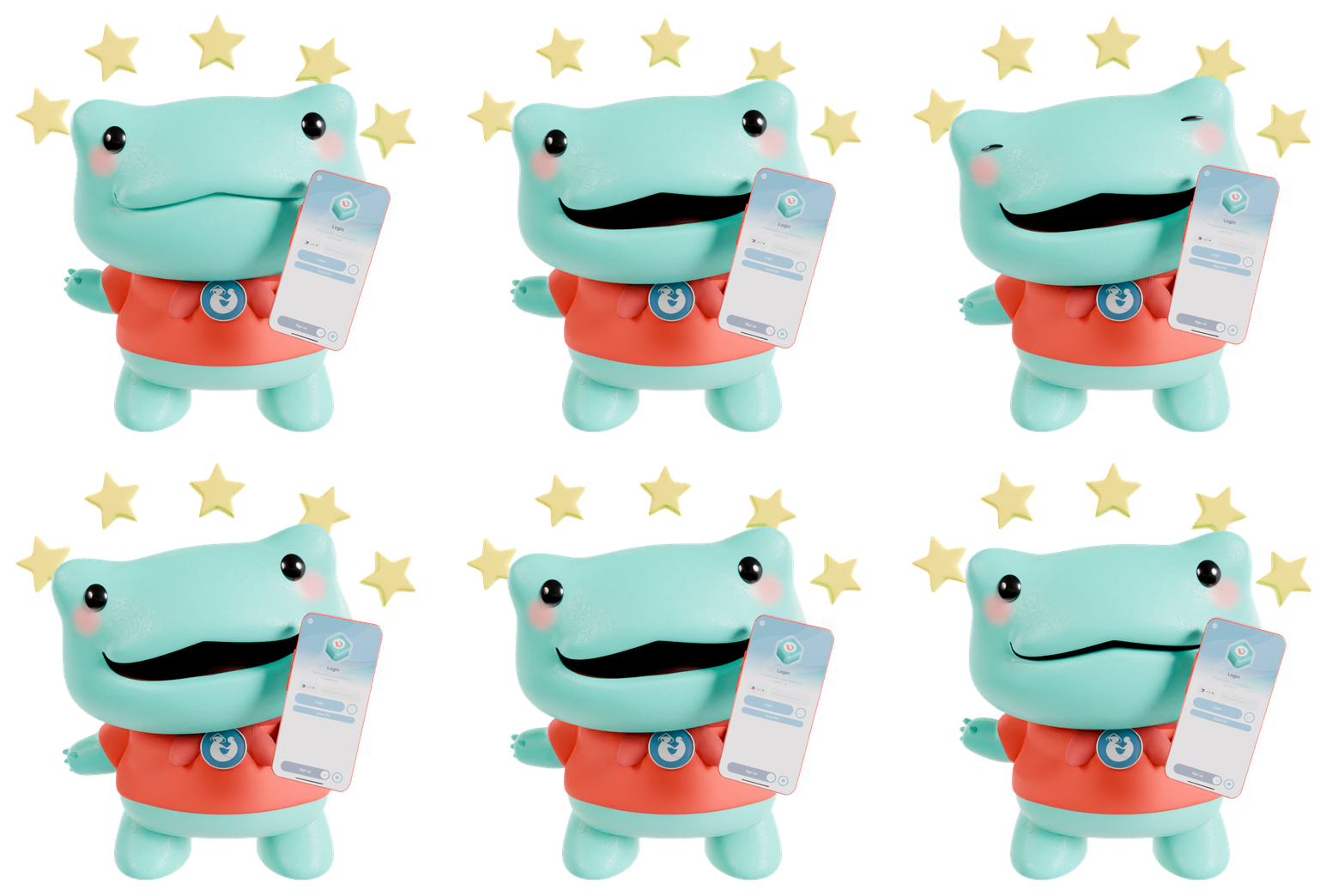
Set your secure 6-digit PIN
This will be your new password.
- You’ll be asked to enter it twice. Please make sure they match.
- Keep your PIN a secret! Never share your PIN with anyone to avoid being scammed. Kabayan Remit will never ask for it.
Enable biometrics (optional)
Want faster logins? Tap “Yes” to enable fingerprint or face recognition.
For new customers
If you’re new to Kabayan Remit, congratulations! You’ll fit right in with thousands of satisfied Kabayans. Here’s how to get started:
Iniziare
Tap “Sign up” at the bottom of the Login screen.
Verify your mobile number
1. Type your mobile number: Please select your country code and enter your personal mobile number.
- Work, office, or numbers registered to someone else are NOT allowed.
- If you do not have a mobile phone number in your country, then you may use your Philippine mobile number.
2. Choose where to receive your code: Tap “Get SMS code” to receive your verification code via SMS. Or, tap the WhatsApp button at the bottom of the screen if you prefer this option.
3. Enter the verification code: Type the code you received and tap “Confirm code.”
Set your secure 6-digit PIN
This will be your new password.
- You’ll be asked to enter it twice. Please make sure they match.
- Keep your PIN a secret! Never share your PIN with anyone to avoid being scammed. Kabayan Remit will never ask for it.
Enable biometrics (optional)
Want faster logins? Tap “Yes” to enable fingerprint or face recognition.
Verify your account
Unlock all the benefits of using Kabayan Remit! It’s as easy as 1, 2, 3:
1. Take a selfie: Ensure your face is fully visible.
2. Upload your ID: Upload a valid ID based on your country.
| RU | CA | USA | |||||
|---|---|---|---|---|---|---|---|
| Passaporto | Passaporto | Passaporto | |||||
| Visto di lavoro | Visto di lavoro | Visto di lavoro negli Stati Uniti | |||||
| Patente di guida rilasciata nelle Filippine o nel Regno Unito | Patente di guida rilasciata nelle Filippine o in Canada | Patente di guida rilasciata nelle Filippine o negli USA | |||||
| Carta d'identità nazionale rilasciata nelle Filippine | Permesso di soggiorno | Carta di soggiorno | |||||
| Driving license from the UK | CA | the US | or the Philippines | Provincial ID Card | i.e. Photo card | Government Identification | i.e. City Identification Card |
| Carta di cittadinanza (rilasciata prima del 2012) | Carta d'identità nazionale rilasciata nelle Filippine | ||||||
| Carta d'identità nazionale rilasciata nelle Filippine | Driving license from the UK | CA | the US | or the Philippines | |||
| Driving license from the UK | CA | the US | or the Philippines |
3. Complete your information: Fill out your details. These will only be used for verification purposes.

Don’t miss this next-level mobile experience
Stay tuned for a sleeker interface, enhanced security, and a user-friendly design that puts your needs first. Everything you know and trust is still here, just better organized and easier to use!